How to Use Spin the Wheel: The Complete Guide for 2026
Master the art of random selection with our comprehensive wheel spinner tutorial

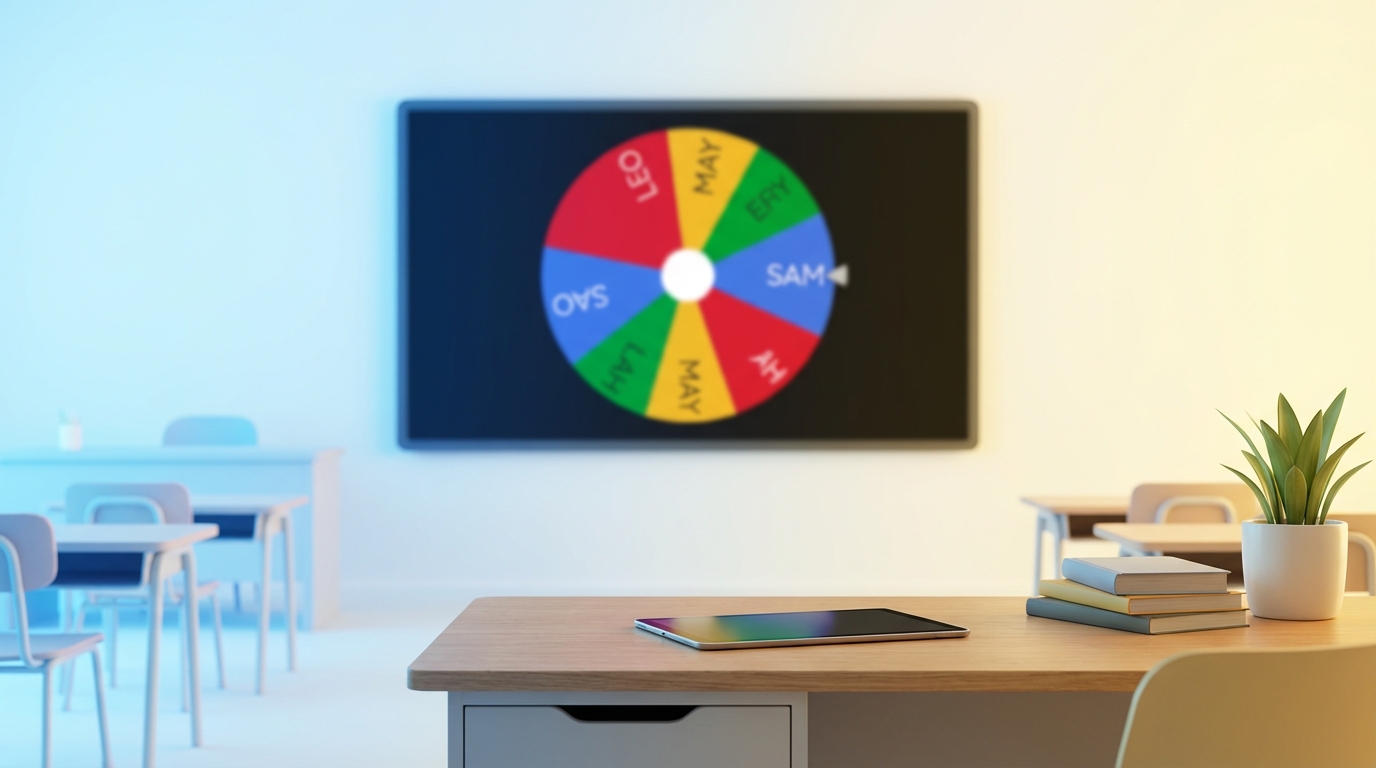
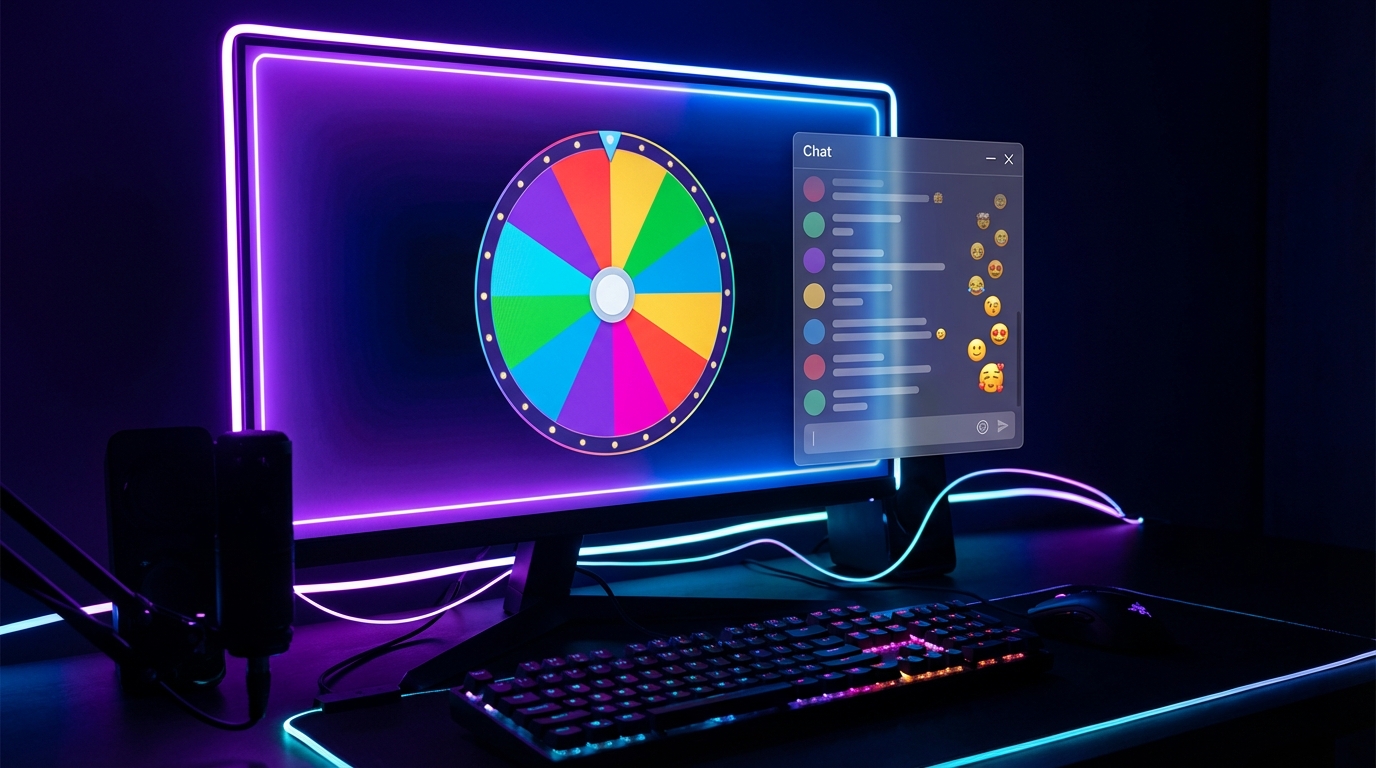
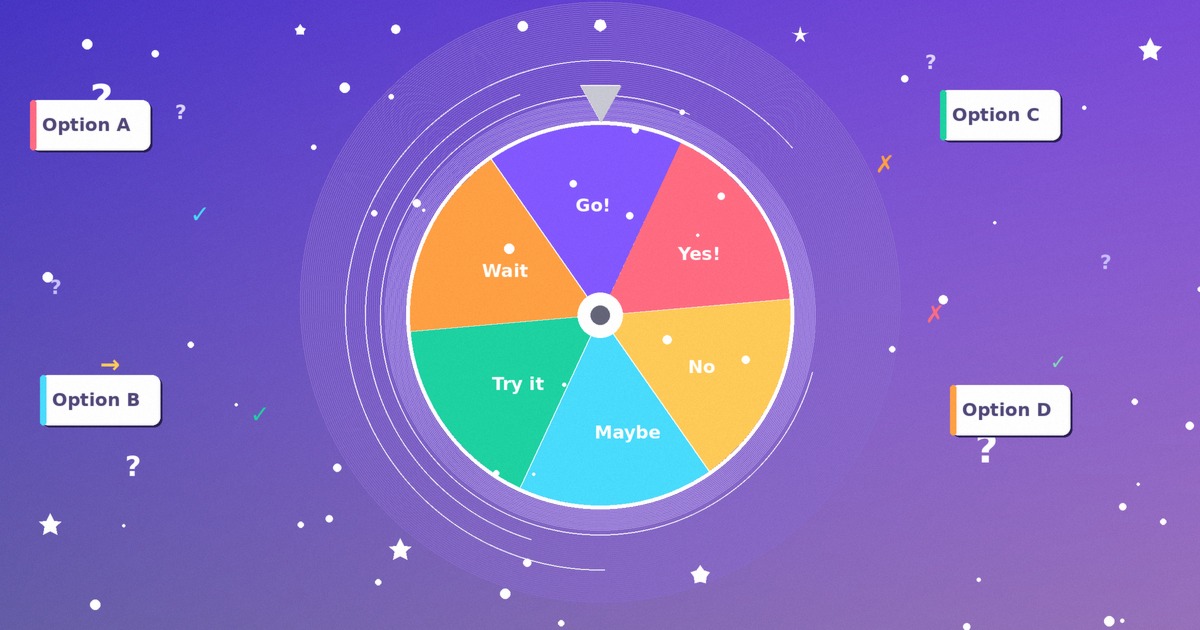
Need a fair way to pick a name, a winner, or tonight's dinner? A spin wheel does it in one tap. Teachers use one to call on students. Streamers use one to draw giveaway winners on stream. Families use one to settle the eternal "where do we eat" argument without anyone sulking. This guide covers how to use the wheel.expert spinner from the very first entry to the features most people never find. You'll learn to add options one at a time or in bulk, set weights, switch themes, save a wheel, share it by link, and install it so it runs without WiFi. None of it costs anything. Here's the short version before we go deep. wheel.expert is free, needs no account, and works offline once loaded. Every spin draws from the browser's cryptographically secure random number generator. That last point matters more than it sounds, and we'll get to why.
What Is a Spin Wheel?
Digital wheels beat the cardboard kind in a few real ways.
• Provably fair draws — the result comes from a secure random source, not from how hard you flicked it
• Room to grow — start with two entries, scale to a couple hundred without redrawing anything
• Extras the physical kind can't do — weights, team splits, remove-after-win, sound, themes
• Anywhere access — a phone on the bus works as well as a classroom projector
The fairness claim rests on something specific. Browsers ship a function called crypto.getRandomValues from the Web Crypto API, and it produces cryptographically secure random numbers — the same class of randomness used to generate encryption keys. That is genuinely different from the older Math.random(), which is fast but predictable and unsuitable for anything where the outcome should not be guessable. wheel.expert uses the secure one. So nobody — not your sneaky student, not even us — can steer where the pointer lands. New to the whole concept? Our free decision wheel maker walkthrough covers the basics from another angle.
Getting Started with wheel.expert
- Open wheel.expert in any browser. Bookmark it — you'll come back.
- Pick a wheel type, or just start typing on the default one. The <a href="/name-picker/">classroom name picker</a> suits teachers, while the <a href="/giveaway-wheel/">giveaway spinner</a> fits contests.
- Type an entry and hit Enter. Repeat for each option, or jump to Bulk Add when you have a list ready.
- Set the look: choose a color theme, tweak how long the spin runs, switch sound on or off.
- Press the SPIN button in the middle — or just tap the Spacebar.
- Read the winner. It pops up with an animation so nobody misses it.
- Save the wheel for later or copy its share link. Both are optional.
Adding Entries and Using Bulk Add
Click Bulk Add, then paste a list with one entry per line. A copied roster, a spreadsheet column, a chat export — all of it drops in cleanly. The wheel splits each line into its own segment automatically. Thirty names take about three seconds instead of three minutes.
A few habits that help:
• Trim blank lines before pasting, or the wheel may create empty slices
• Keep entries short so the text stays readable on the rim
• Duplicates are allowed on purpose — two slices named "Alex" doubles Alex's odds, which is sometimes exactly what you want
Editing afterward is just as easy. Click any entry to rename it, or hit the delete icon to drop it. The wheel redraws as you go, so what you see is what spins. Building random teams from that same roster? Hand the list to the random team generator instead and it splits everyone into balanced groups.
Weights, Themes, and Sounds
Not every option deserves equal odds. Give an entry a weight and you change how often it wins. Set one to 2x and its slice grows — it becomes twice as likely to land as a 1x entry. Weighted raffles use this. So do teachers who want a struggling concept to come up more in review. The math stays honest; you're just resizing the pie, not rigging the spin.
Themes
Color sets the mood. Pick a theme that matches your brand, your classroom, or just your taste. Streamers tend to grab a high-contrast set so the wheel reads clearly through stream compression. Teachers often want calm tones on a projector. The choice sticks to your wheel and rides along when you share it.
Sounds
The tick-tick-tick as the pointer crosses each segment builds tension, and the win chime lands the moment. Want silence for a quiet room or a recorded video? Toggle sound off in one click. Need quick yes-or-no calls without any of this fuss? The bare-bones yes or no wheel strips it down to two outcomes.
Remove-Winner Mode for Raffles and Lists
Flip on Remove winner after spin and the selected slice disappears the moment it's drawn. The next spin chooses from what's left. Keep spinning and you'll empty the wheel in a fair, no-repeats order — which is really a random shuffle in disguise.
Uses pile up fast:
• Draw multiple raffle prizes without one lucky person sweeping them all
• Assign presentation slots so every student goes exactly once
• Pick a random play order for a tournament or a game night
Streamers running multi-prize drops lean on this constantly. Our giveaway picker guide for streamers shows the full on-stream setup, OBS capture included.
Offline PWA and Fullscreen Mode
wheel.expert is a Progressive Web App, which means your browser can install it to your home screen or desktop. On mobile, tap "Add to Home Screen" when the prompt shows. On desktop, click the install icon in the address bar. It then opens in its own window, no browser tabs around it.
Use it with no internet
Once loaded, the app caches itself. After that first visit it runs fully offline — every feature, every saved wheel, no connection needed. School WiFi flaking out? A venue with one bar of signal? Doesn't matter. The wheel still spins.
Go fullscreen
Fullscreen mode hides the menus and blows the wheel up to fill the screen. Project it to a class. Capture it clean in a stream layout. Show it to a room without clutter around the edges. Tap the fullscreen icon, spin, and the only thing anyone sees is the wheel. Pretty hard to beat for a live draw.
A Tour of the Specialized Wheels
People and teams
The name picker calls on students or volunteers. The team generator splits a crowd into even groups — handy enough that we wrote a whole guide to fair sports team drafting around it. The giveaway wheel handles contests where fairness has to be visible.
Numbers, letters, colors
The random number wheel covers any range you set, from a dice roll to a hundred-ticket draw. The letter-wheel feeds word games. The color-wheel hands artists a random palette to work from.
Food, movies, games
The food-wheel settles dinner. The movie-picker ends the endless scroll. The game-picker decides what's on the table tonight.
Parties and prompts
Truth-or-dare, the question-wheel for icebreakers, the casino-wheel for prize-night flair, the drinking-game spinner for grown-up evenings.
Every variant is the same engine underneath — same secure randomness, same save and share, same offline support. Pick the one with the right starter list and you skip the setup entirely. Building one from scratch instead? The decision wheel is the simplest place to learn the controls.
Who Uses This, and How
Cold-calling stops being a popularity contest when a wheel does the choosing. Group work splits fairly. Review games get a jolt of suspense. Teachers who want the deep version should read our name picker guide for teachers — it covers fairness tricks and engagement ideas the tool alone won't tell you.
Streamers
Viewers trust a draw they can watch happen, and secure randomness means nobody can claim it was rigged. Fullscreen capture keeps the overlay clean. Remove-winner mode handles multi-prize nights.
Teams and offices
Who demos first? Who picks the lunch spot? Who runs the retro? A wheel turns those tiny standoffs into a five-second laugh instead of a debate.
Families and friends
Chores, movie night, the food fight that ends every Friday. Spin it and move on.
Pro Tips Most People Miss
• Spacebar spins. Skip the mouse on repeated draws — tap, tap, tap.
• Bookmark your shared link. It's a permanent, reloadable copy of a wheel you care about.
• Lean on weights for review. Teachers can surface tricky material more often without anyone noticing the nudge.
• Save before a big event. A saved wheel survives an accidental tab close.
• Match the theme to the screen. High contrast for streams, soft tones for projectors.
And one habit worth keeping: when a draw really matters, do it in fullscreen with sound on. The ceremony makes the result feel fair, because everyone watched it happen. Want structured prompts to spin through? The truth or dare question collection drops straight into a wheel.
Why This Wheel Over the Others
Secure randomness, not a parlor trick
The Web Crypto API does the picking. That's the cryptographic-grade generator, not the guessable Math.random() shortcut many sites still use.
Free, with no asterisk
No locked features, no "pro" tier, no account wall. What you see is all there, for everyone.
It runs anywhere
Phone, tablet, laptop, smartboard. Online or offline once installed.
Built to be usable by everyone
Keyboard control, screen-reader labels, a reduced-motion option, and large touch targets ship as standard. The point isn't a checklist. It's that the next person who picks up the device can actually use it. Which other free wheel can you say that about?
Conclusion
You now know more about the wheel.expert spinner than most people who use it daily. The leap from "type and spin" to bulk-adding a roster, weighting the odds, saving the setup, and sharing it by link is what turns a toy into a tool you reach for every week. So here's a small challenge instead of a recap. Pick one feature from this guide you didn't know about — remove-winner mode, maybe, or the offline install — and try it on your next real decision. A raffle, a group split, Friday dinner. See how it changes the moment. The wheel is open right now, free, no signup. Your next fair draw is one tap away.
Ready to use the spin wheel? wheel.expert is 100% free with no signup required.
Start Spinning NowFrequently Asked Questions
How do I use the spin wheel for the first time?
Open wheel.expert, type an entry and press Enter to add it, repeat for each option, then press the SPIN button or tap the Spacebar. The winner appears with an animation. No signup or download is needed at any step.
How do I add a long list of options quickly?
Use Bulk Add. Click the Bulk Add button, then paste your list with one entry per line — copied from a spreadsheet column, a class roster, or a chat. The wheel turns each line into its own segment instantly.
Can I make some options win more often than others?
Yes. Assign a weight to any entry. A 2x weight makes that option twice as likely to land as a 1x entry, because its slice on the wheel grows proportionally. Useful for weighted raffles or for surfacing review material more often.
How does the share-by-URL feature work?
Every wheel can be turned into a link that carries the full setup — entries, weights, and theme. Send the URL to anyone and they open your exact wheel in their browser, with no account required on their end. It doubles as a backup.
What is remove-winner mode for?
When enabled, the selected option is removed from the wheel after each spin so it can't win twice. It's built for raffles where each person wins once, for assigning slots without repeats, or for shuffling a list into a random order.
Does the spin wheel work offline?
Yes. wheel.expert is a Progressive Web App. After your first visit it caches itself, so you can install it to your home screen or desktop and run every feature with no internet — ideal for classrooms or venues with weak WiFi.
Is the wheel actually random and fair?
It uses the browser's Web Crypto API (crypto.getRandomValues), the same cryptographically secure random source used to generate encryption keys. Unlike the predictable Math.random(), this result cannot be guessed or steered by anyone, including us.
How many options can one wheel hold?
Up to 200 entries per wheel, which comfortably covers large classrooms, raffle ticket pools, and big community giveaways. For most everyday decisions you'll use far fewer.